
Widgets
A little world on your Home Screen.
Animated pixel-art widgets for iPhone and iPad. Tiny folk who nap, wander and keep you company, in every size and on every Home Screen.
Free for iPhone and iPad · iOS 26 or later
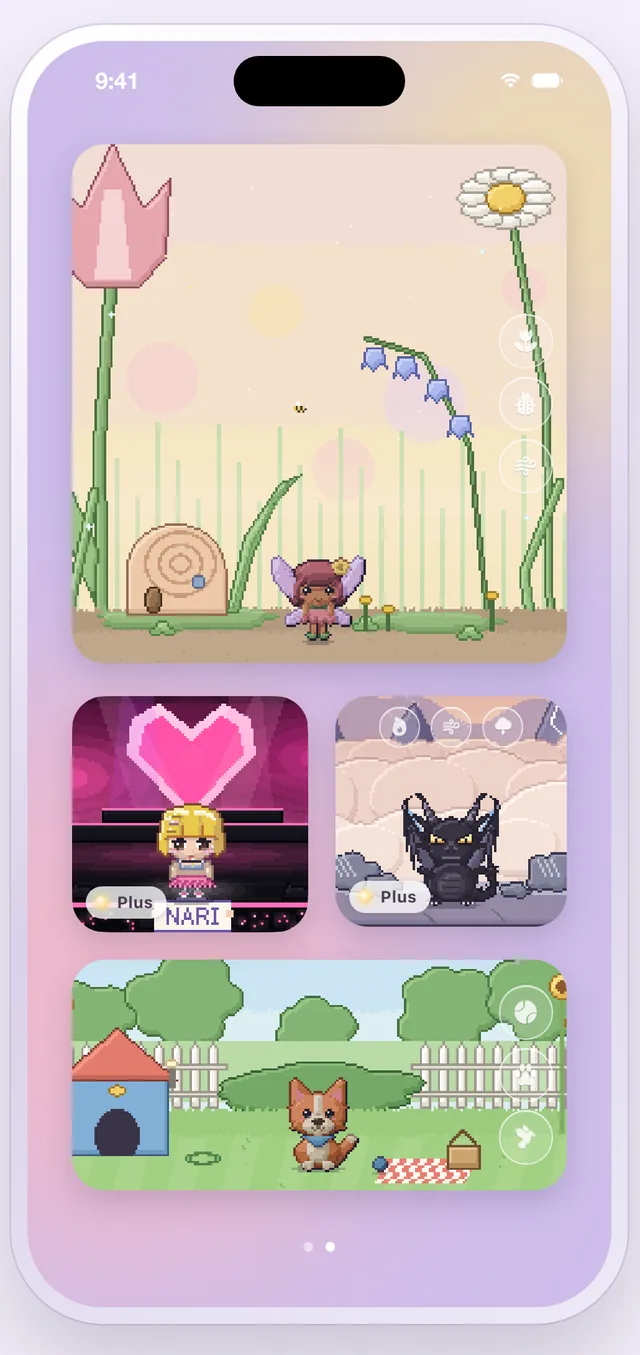
Each folk lives in a world of its own: a giant garden, a hot spring, a peak above the clouds. Put one on a small, medium or large widget, or on iOS 27 give it a whole page. On iPad there’s a wide extra-large widget too. In full color on Default, Dark, Clear and Tinted Home Screens.
Made for your Home Screen.
Small, medium, large, and on iOS 27 a whole page of folk. In full colour on every Home Screen: Default, Dark, Clear and Tinted.
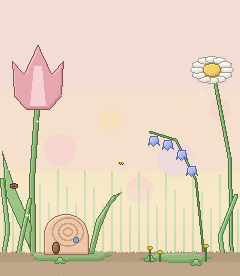
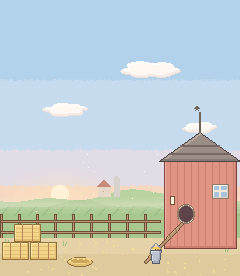
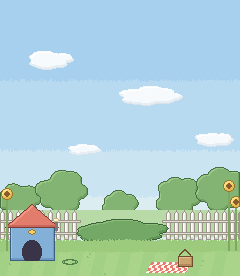
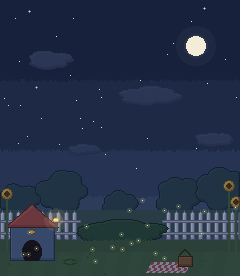
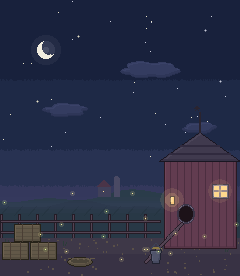
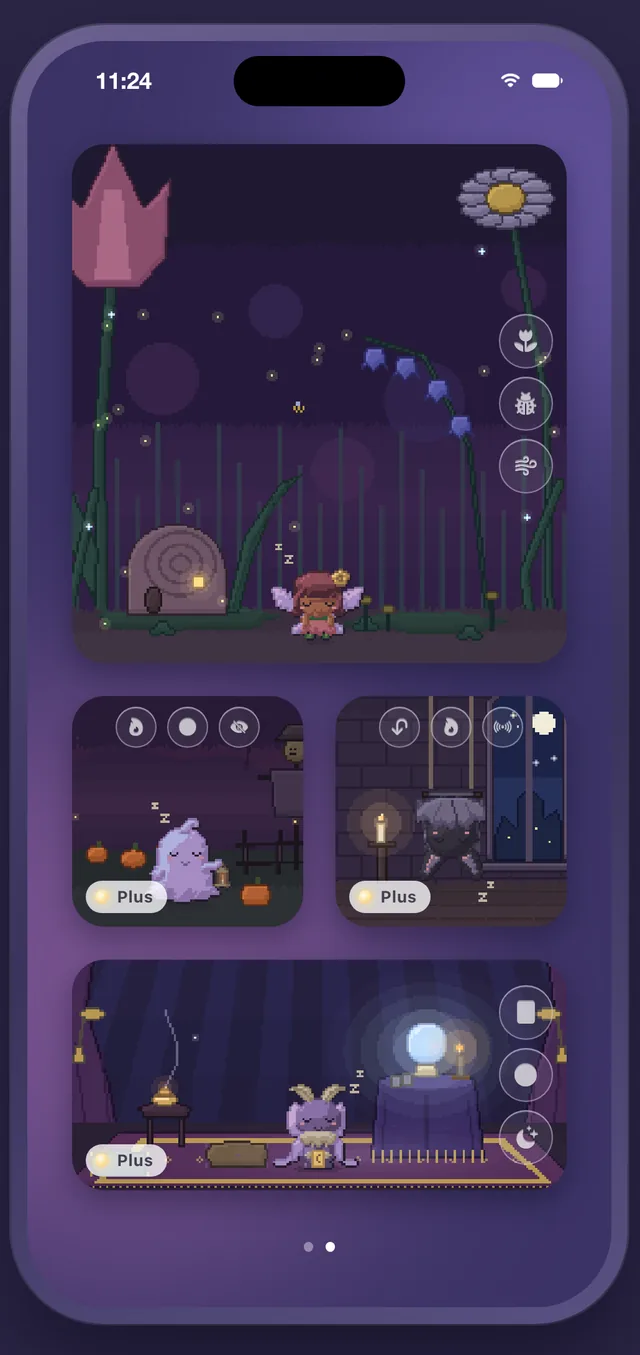
They keep your hours.
Up at 7, asleep at 11. Every five minutes, a little wander around their world, and twice an hour, their signature move. Every world has a day look and a dusk look that follow the sun where you are, worked out from your time zone, never from your location.
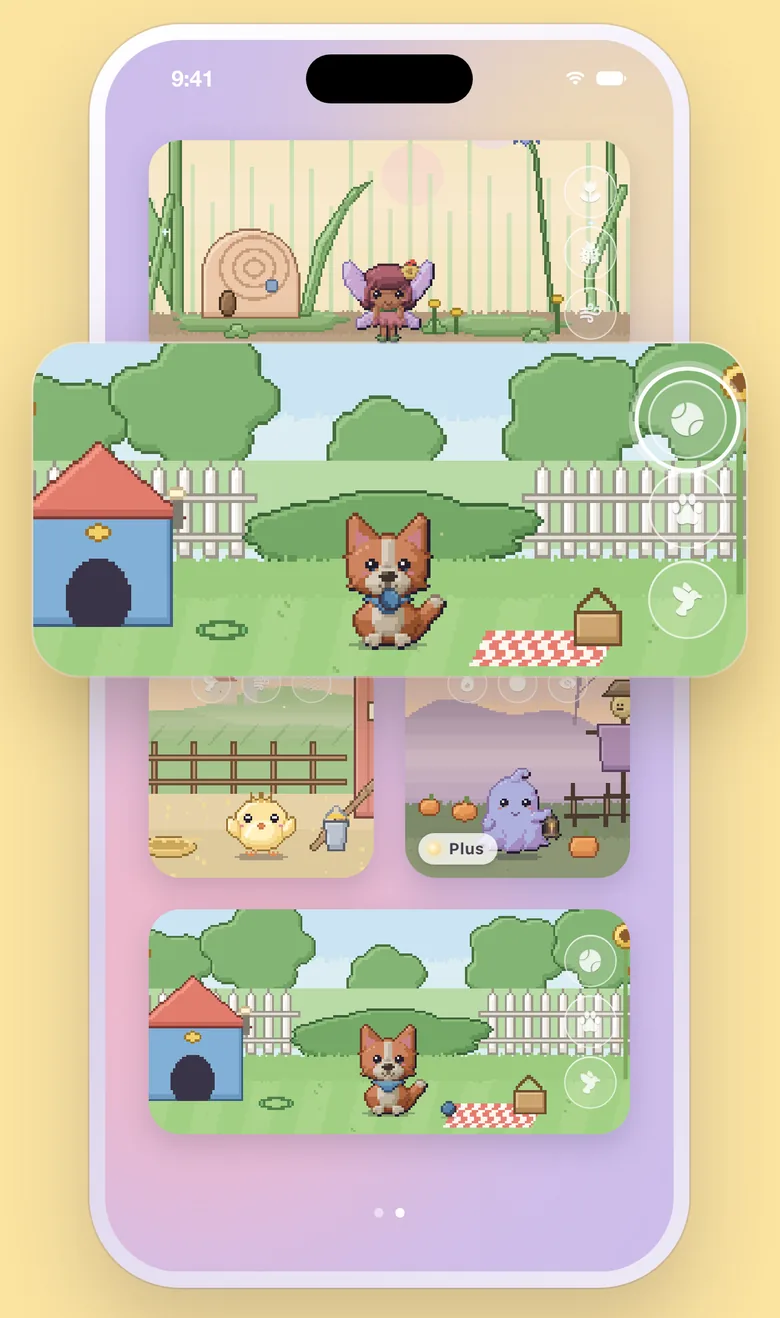
Tap a toy. Something stays.
Every folk has three toys, right on the widget. Some leave a keepsake behind: a flower that grows, a ball left out until bedtime, a lamp that stays lit till morning. And once in a while, something rare happens.
Three move in for free.
Flora, Pío and Toby are yours to keep, with their toys, their worlds and every widget size.
Who’d like to keep you company?
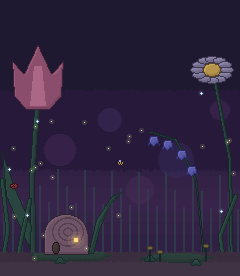
A little wizard, a little knight, a mermaid, a snail postman, a sheet ghost, a fairy… New folk keep moving in.
Questions about the widgets
How do I put a folk on my Home Screen?
Touch and hold an empty spot on your Home Screen, tap Edit, then Add Widget. Search for Lumafolk, pick a size and tap Add Widget.
How do I choose who lives on a widget?
Open Lumafolk and go to Widgets, then tap the widget. Or touch and hold the widget on your Home Screen and tap Edit Widget. Only folk in My folk can live on a widget; add more from Meet.
Why is my folk asleep?
Folk sleep from 11 at night to 7 in the morning, on your phone’s clock. Leave them be; they’ll be up at 7.
Why does their world look different in the evening?
Every world has a day look and a dusk look. By default they follow the sun where you are, worked out from your time zone, without asking for your location. In Lumafolk, Widgets, Day and dusk, you can follow your phone’s Light and Dark mode instead, or keep it on day or dusk.
Which devices does Lumafolk work on?
iPhone and iPad with iOS or iPadOS 26 or later. The extra-large widget needs iOS 27.
Three move in today.
Free for iPhone and iPad · iOS 26 or later